Safe reading
Every message is shown in a protected space, away from malicious content. Remote images, often used to track when you read, stay blocked until you allow them.
In development · macOS and Windows versions in progress
Vistward is a professional email app designed for macOS, Windows and Linux. It connects directly to your accounts, keeps your mail on your computer and never asks you for a Vistward account.
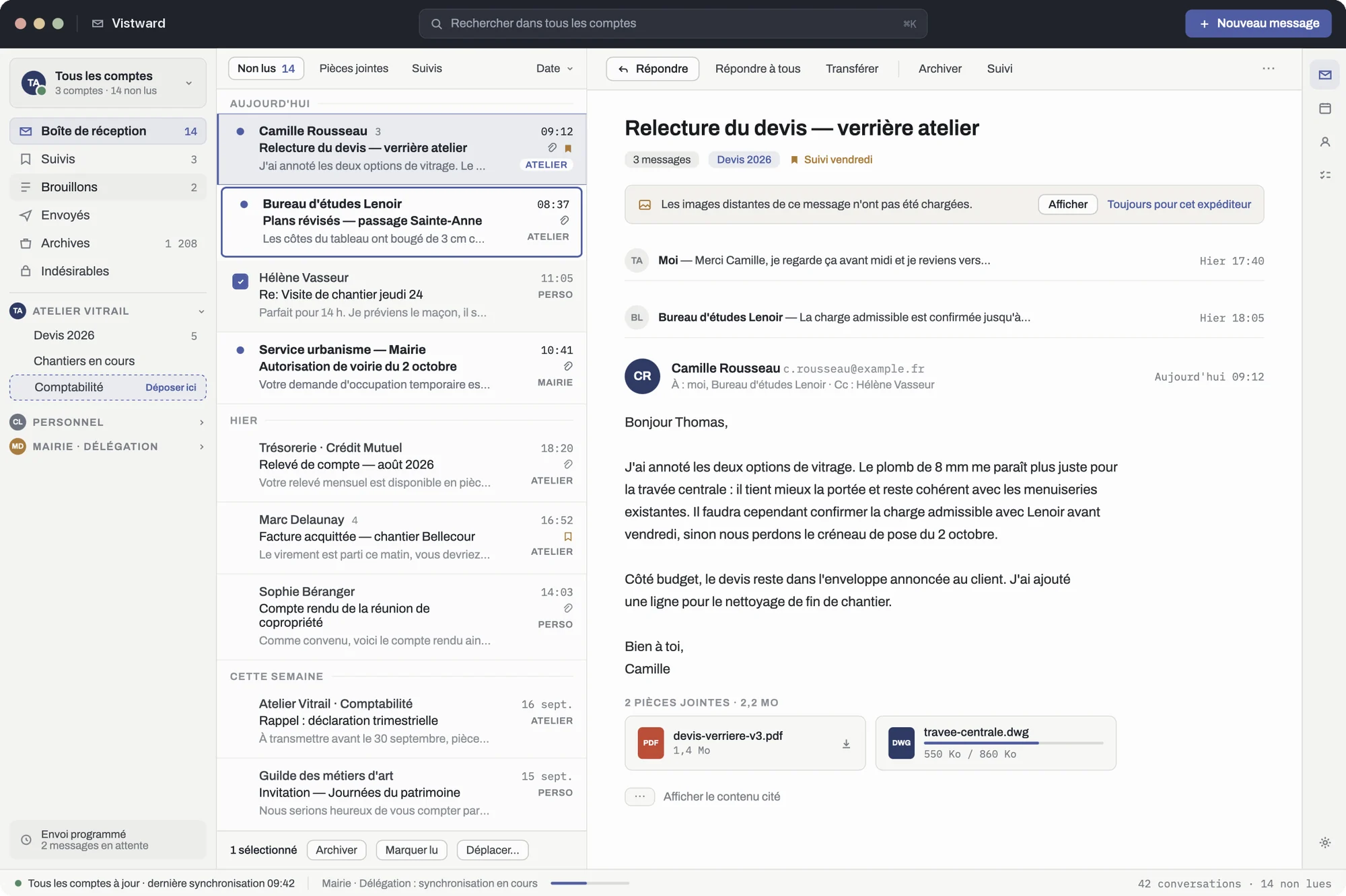
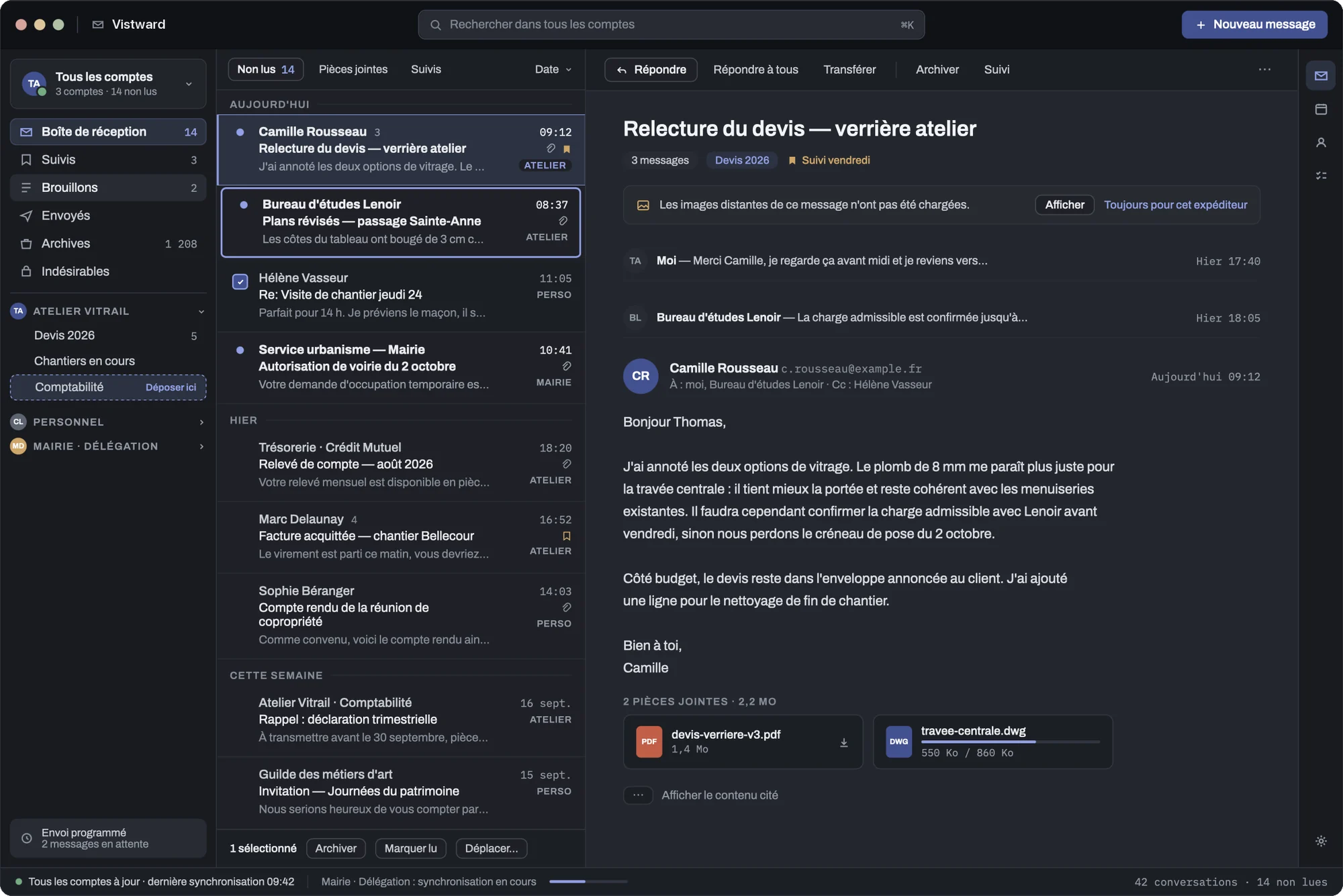
Designed for people who spend their day in their inbox: several accounts, lots of mail and no time to lose.
Gmail, Microsoft 365, Outlook.com or your company address: Vistward brings them together in a unified inbox, and you always see where each message comes from.
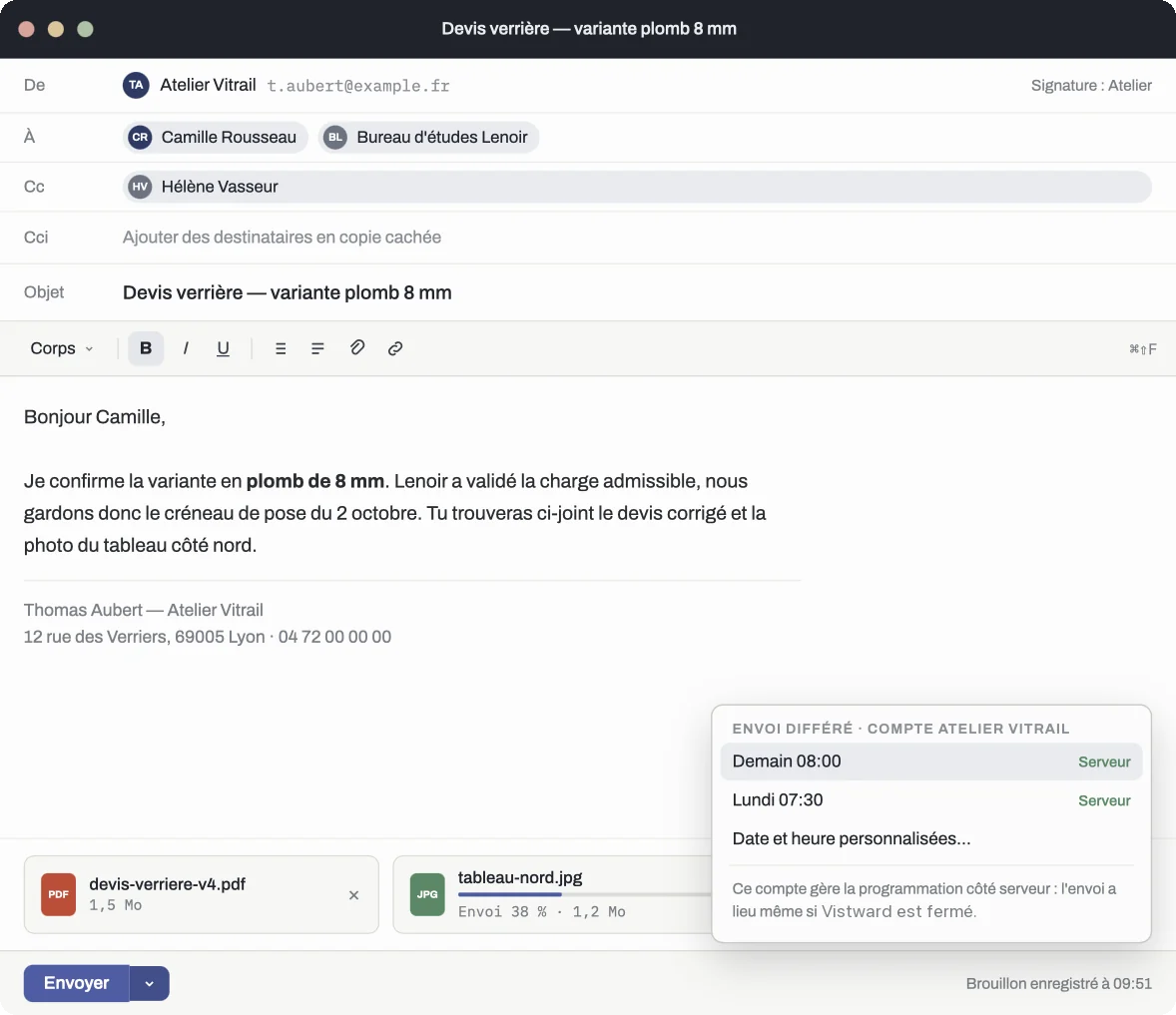
Search runs through your mail right on your computer. It is instant, works offline and tells you clearly what it searched.
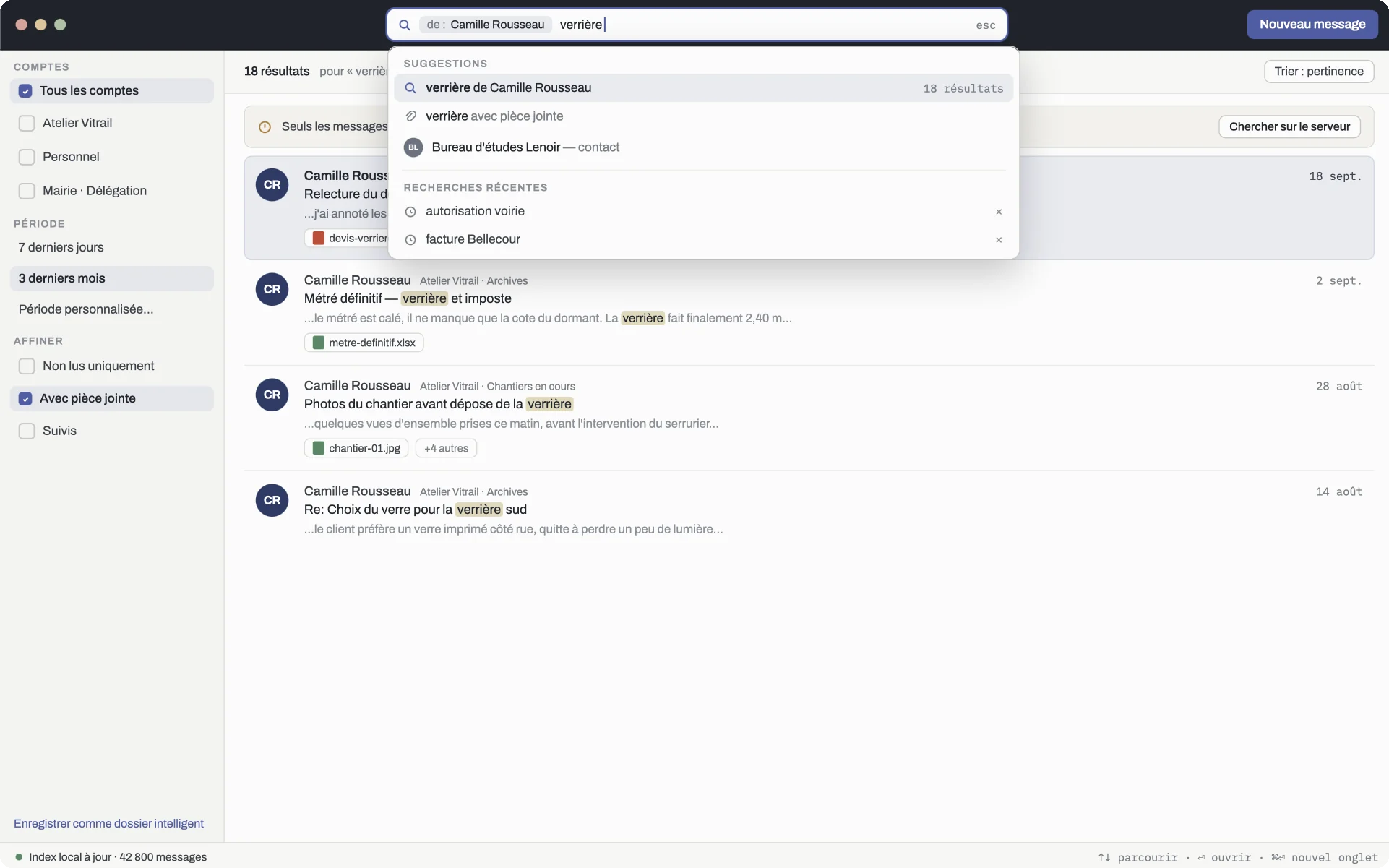
Every message is shown in a protected space, away from malicious content. Remote images, often used to track when you read, stay blocked until you allow them.
Read, file and mark your mail without a connection. Every action is saved durably and applied to the server as soon as the network is back, even after a restart.
Archive, move, delete: every common action can be undone for a few seconds. A send whose outcome is uncertain is reported as such, never shown as a success.
Mark a message for follow-up, file it in each account's folders and keep a clean inbox.
Shortcuts, list navigation, a visible focus ring: everything works without a mouse, and the system's assistive technologies are supported.
A dark mode rebuilt rather than inverted, where the reading pane stays the lightest surface. Two list densities, comfortable or compact.
Vistward fits into your computer like the apps you already use: same look, same shortcuts, same smoothness.
Designed for the Mac: passwords kept in the keychain, multiple windows, familiar menus and shortcuts, dark mode.
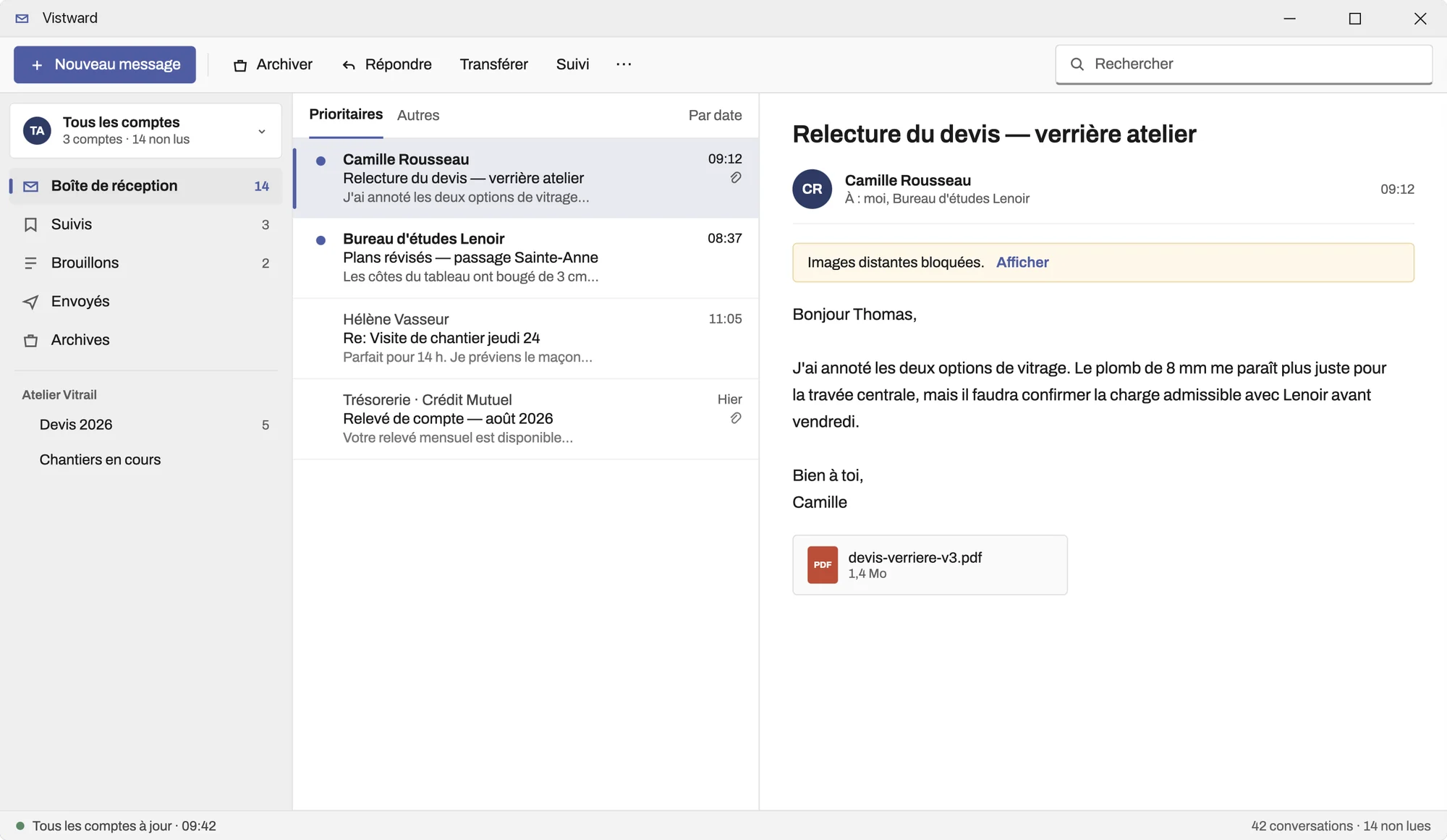
Designed for Windows 11: command bar, navigation pane and a look that matches Microsoft apps.
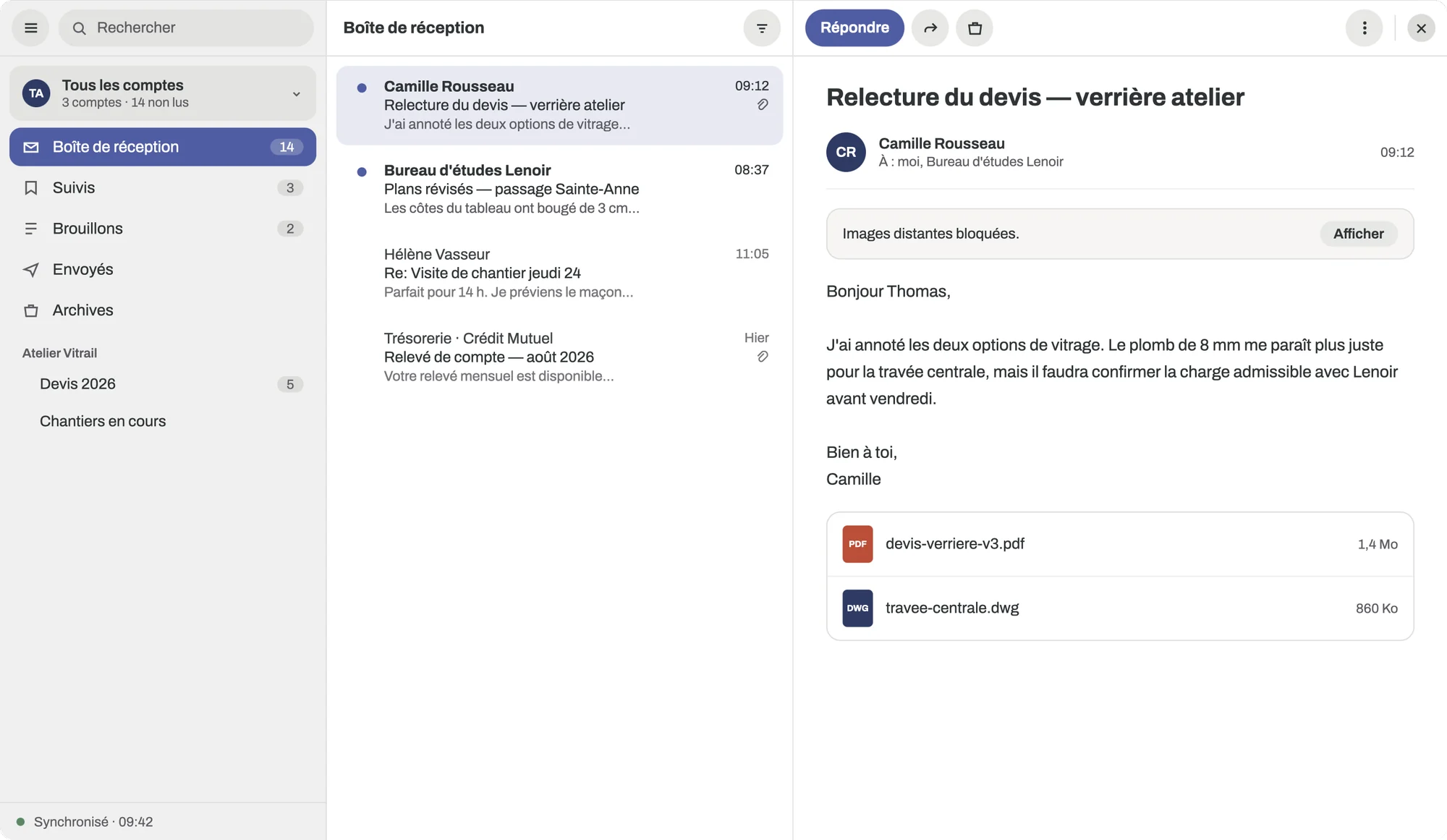
Designed for the GNOME desktop, whose look and habits it follows, and usable on KDE too.
Vistward connects directly to Gmail, Microsoft or your email provider. No Vistward service ever sees your messages, your contacts or your credentials.
No relay server, no account to create. Your providers remain your only counterparts.
Your passwords are kept in your computer's secure vault, and nowhere else.
No telemetry, no usage statistics. Tracking images in messages are blocked by default.
No subscription will ever stop you from exporting your own mail.
To show and manage your Gmail mailbox, Vistward asks for access to it through Google's consent screen. Here is what each access is used for.
Vistward downloads your messages, attachments and labels to your computer to display them, search them and read them offline.
Mark as read, follow up, archive, move, manage labels, move to the trash or delete permanently: Vistward applies in Gmail the actions you take.
Your drafts are saved in Gmail so they are never lost, and your messages are sent from your Gmail address.
Your email address identifies the account you add in the app. No other profile information is requested.
Your Google data stays on your computer and is never sent to Vistward or to third parties. Vistward's use and transfer to any other app of information received from Google APIs will adhere to the Google API Services User Data Policy, including the Limited Use requirements.
https://mail.google.com/openidemail
Vistward is built in small, verified steps. Here is the real state of the project, with no early promises.
Figures as of September 25, 2026. A feature is only declared finished once it is validated on all three systems. None is yet.
Multiple accounts, Google and Microsoft sign-in, other providers, safe reading, writing, drafts, attachments, folders and labels, offline use, search, basic contacts, accessibility and signed builds.
Rules, message templates, follow-ups, scheduled sending with its limits clearly stated, easier migration and synced contacts.
Calendars and invitations, tasks, shared mailboxes and delegation where providers allow it, stronger security and business deployment.
The macOS and Windows versions are in development and not distributed yet. The Linux version will follow. No date is announced until the validation scenarios pass on real accounts.
No. You add your existing email accounts directly. Vistward has no central server and never asks you to sign up.
Gmail and Google Workspace, Microsoft 365 and Outlook.com, and most email providers, including business addresses on your own domain. Gmail sign-in is being verified by Google.
On your computer, and of course with your email provider. Vistward copies it nowhere else.
No subscription or licence system is planned. If a paid model ever appeared, it could never stop you from exporting your mail.
So that Vistward behaves exactly like the other apps on your computer: same look, same shortcuts, same accessibility, and a light, fast app.
Vistward is first available in French. Other languages will follow.

Fast, private, with no account and no tracking. Coming soon to macOS and Windows, then Linux.